
Instructions for all users to access PharmAcademic using their assigned email address and password. New users will also review and accept the Terms of Use before accessing the system.
Login Instructions
- Go to www.pharmacademic.com.
- Enter your email address in the PharmAcademic Email field. Note: Your PharmAcademic email is the address where system notifications are sent.
- Enter your password. Note: Passwords must be at least nine characters long and contain one character that is not a letter or number.
- Click the Log In button.
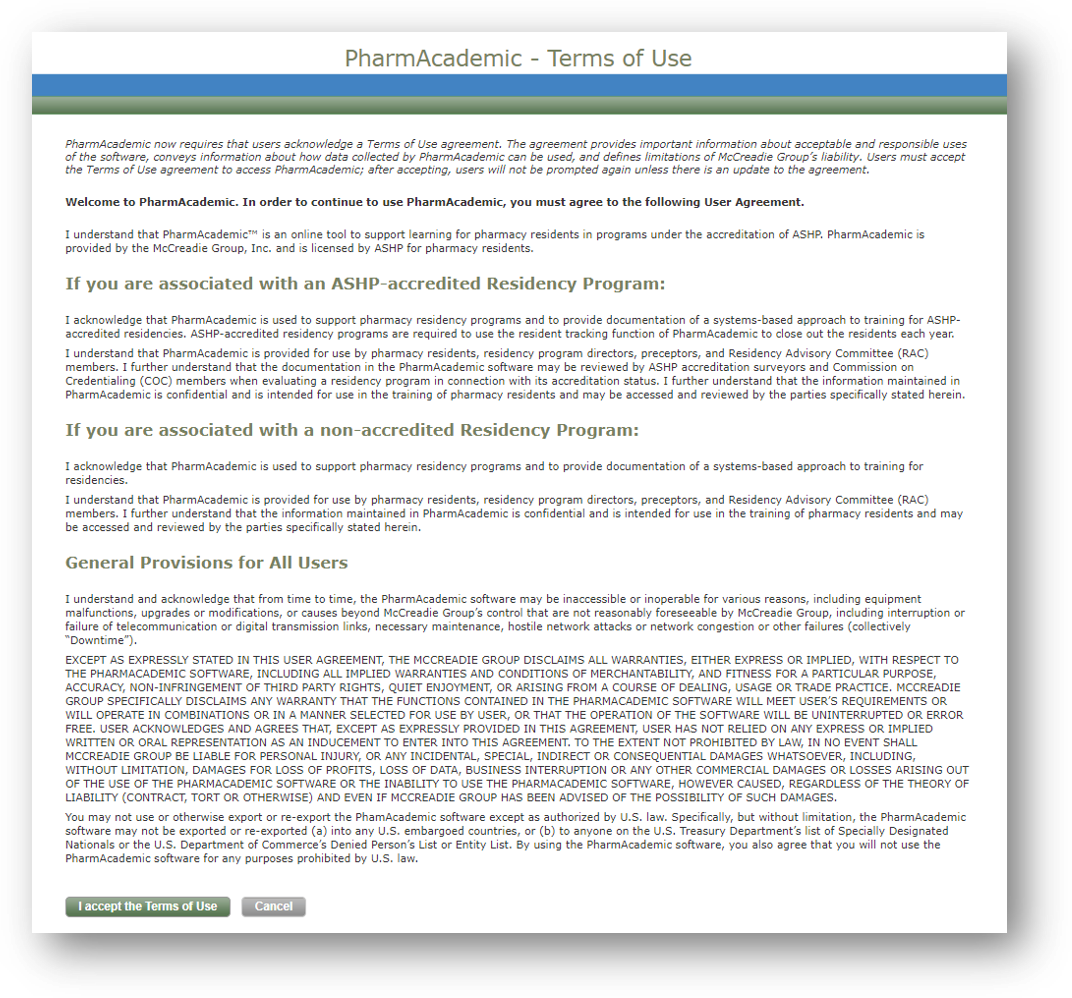
- If prompted, review the Terms of Use Agreement and select Accept to continue. Note: You must accept the Terms of Use Agreement to access PharmAcademic. You will not be prompted again unless the agreement is updated.
Related Articles