
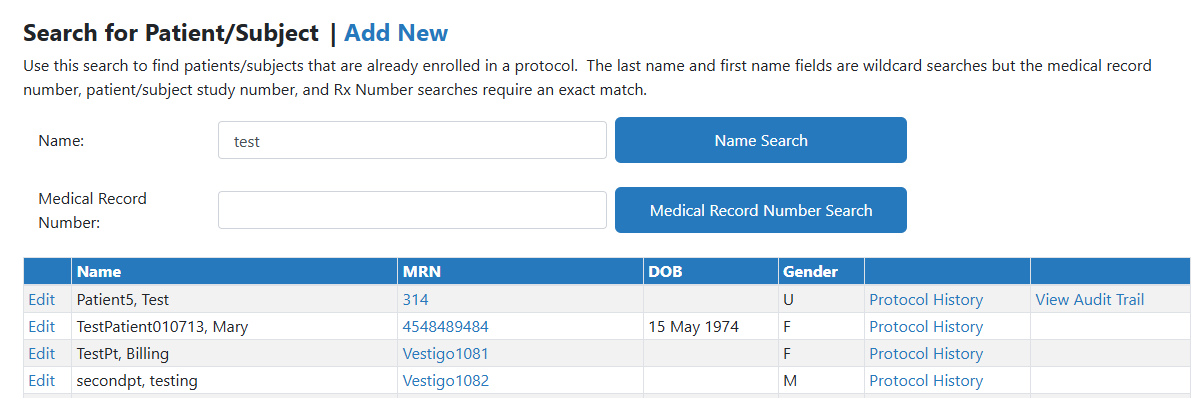
The Patient Master screen allows you to edit participant information and review the protocol history for that participant.
Permissions Needed
AdminMain – Access the application administrative menu
EditPatientMaster - Ability to edit a patient master record
Accessing the Patient Master Information
- Hover your mouse over Main at the top right of the screen and click on Application Administration
- Click on the Patient Master under Client and Facility
- Search for your patient by entering their name or by Medical Record Number (MRN)
- Click the corresponding Search button