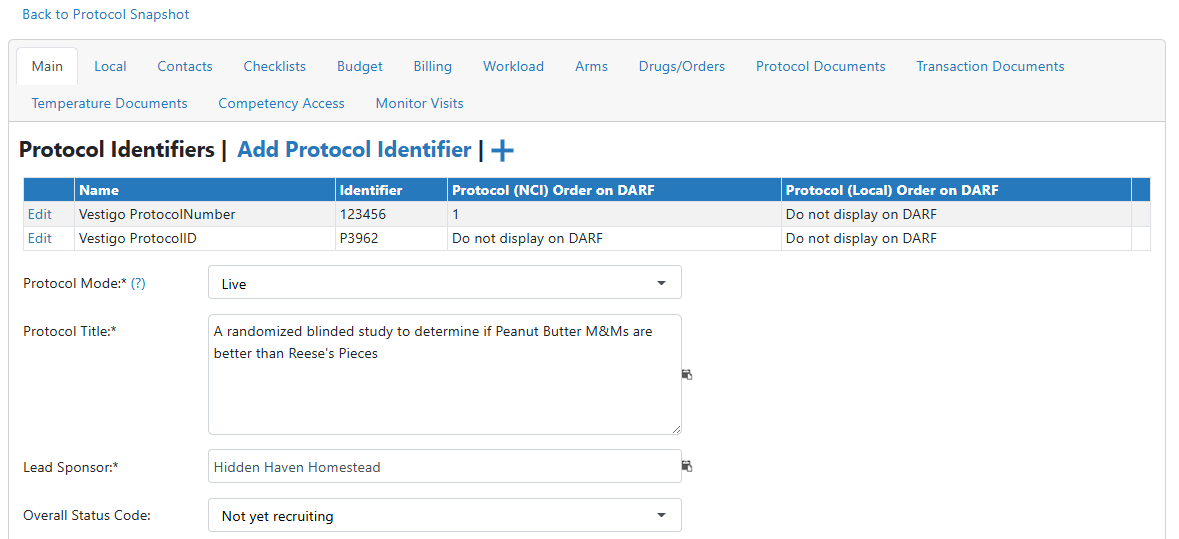
Site users with appropriate permissions can create new protocols manually, if the protocol does not exist in Clinicaltrials.gov or a CTMS. Users will be required to enter all required information for the protocol to be created before it is saved to the site.
Required Permissions
ProtocolCreate - Allows the creation or copying of a new protocol. Users must have this permission in the facility they want to add the protocol to.
- On the Vestigo home screen, click on Add New.
- In the Other Terms field, enter a protocol number, if known, or anything
- Click the blue Search button
- The first screen will show any matching results from Central Protocols. Click Skip
- The second screen will display any possible matches from clinicaltrials.gov. Click Skip Step
- The next screen will now ask you what Facility you would like this protocol to be in. You can select the appropriate facility from the drop down menu and click Next.
- Additionally, you can also add the Sponsor Site Number if you know it. This can always be added at a later date.
- The last screen will require the user to input information to populate the protocol. The following fields are required to continue with protocol creation: Protocol Number, Protocol Mode, Protocol Title, and Lead Sponsor.
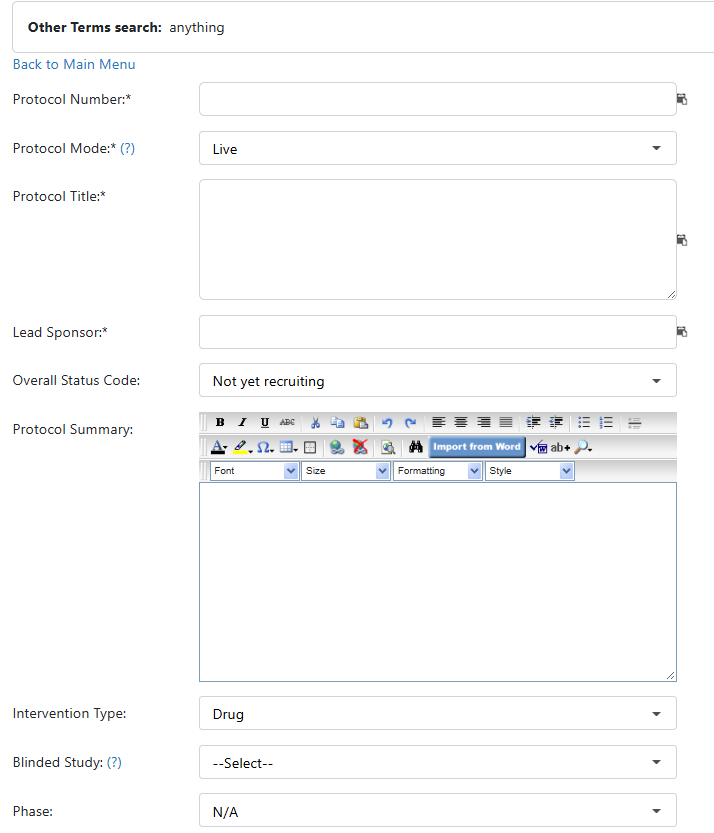
- Once the information is entered, click the Save button
- Vestigo will bring you to Edit Protocol of the newly created protocol for further protocol management