
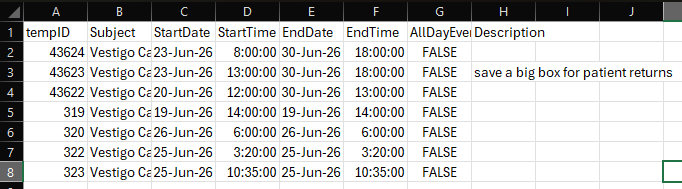
The first method is an export of the calendar events in a CSV file that is open in Microsoft Excel or similar applications. The second is exporting an individual calendar event in an ICS file that can be imported into an external calendar application like Outlook or Google Calendar.
In most cases, the exported ICS or CSV file may be able to be imported into external applications, but we are unable to provide support for those applications. Please contact the application vendor.
Exporting the CSV file
- Log in or switch facilities to the correct facility
- Click on Calendar in the green global banner
- Click on Export Events under Calendar Controls on the right side
- Set the Begin and End Dates
- Check the Event Types that you want to include on the export
- Click Export to .csv
The file will download and can be opened in various applications. It is recommended that the file be viewed in an application like Excel or similar program for best readability.
Exporting individual Calendar Events
When a calendar event, patient visit or monitor visit is opened for viewing, the user can use the Export Events link at the bottom of the pop up window to download a file that can then be imported into an external application.
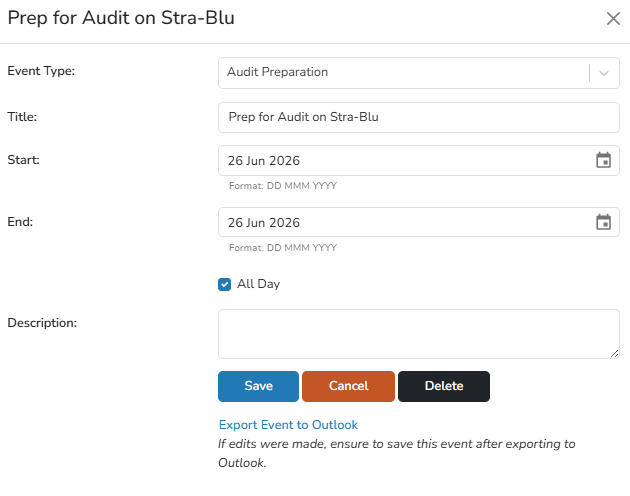
When you export an individual calendar entry, it downloads as an ICS file that is commonly used with other calendar applications.