
Password Resets only apply to sites that are utilizing Vestigo Authentication, or Vestigo Multifactor Authentication. If you are using Vestigo SSO, this article does not apply to your account.
Vestigo Authentication Password Reset
If your site is using Vestigo Authentication with username and password, users would follow the below steps.
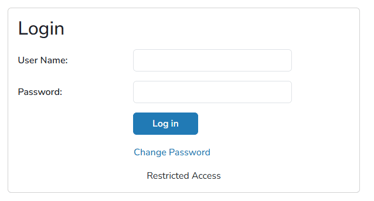
- Navigate to their site-specific URL
- Click on Change Password
- Enter your Username
- Click the Reset Password button
- If the username is found and is active in the site, the email address associated with the username will receive a new password via email.
- Users will login using their username and password from the email.
- Once authenticated, it is recommended that sites change their password from the My Account section.
Vestigo Multifactor Authentication Password Reset
If your site is using Vestigo MFA with username and password, users would follow the below steps.
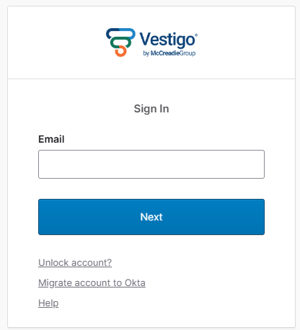
- Navigate to their site-specific URL
- Enter your Email Address
- Click Next
- Click the Forgot Password? link
- Click Send me an email button
- Users will receive an email with a link to follow that will allow them to change their password.