
Certificates of Destruction are documents that certify inventory has been destroyed by the site. All actions taken on an inventory return, including witnesses or authorizations will display on the record, if the inventory had those actions recorded. The certificate of destruction will download as a PDF file.
This document is not available to Vestigo Verify users and must be requested through the site pharmacy.
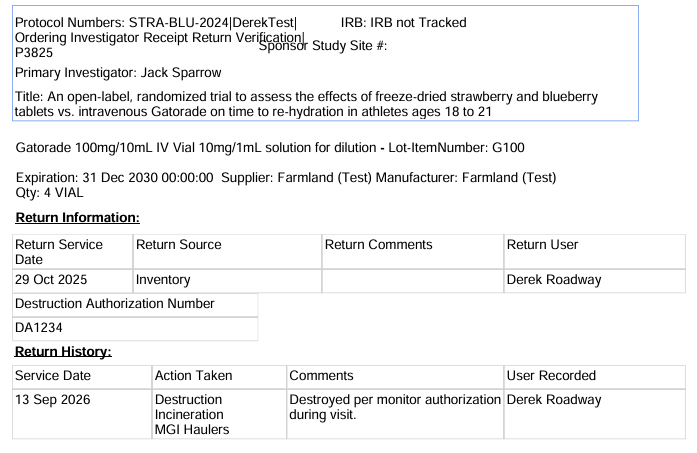
- Navigate to the Protocol
- Click on the Inventory Tab
- Click on Manage Drug Returns
- Click on the correct Items Already Destroyed
- (Optional) Adjust the date filters
- Click Generate a Certificate of Destruction
- Select all appropriate items or click the Select All
- Click Submit
If the site is trying to generate a report that has spanned multiple years or thousands of inventories, it is recommended to adjust the date filters to support one year at a time and then rerun the certificate of destruction.