
If you have previously recorded a temperature excursion and you need to generate the form once again, this can be done via reports at the protocol level.
- Navigate to the Protocol
- Click on the Reports tab
- Click to Temperature Excursion Report under Inventory Reports to expand the menu
- Select a Temperature Excursion in the drop down
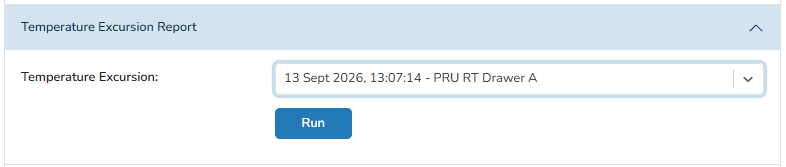
- Click Run
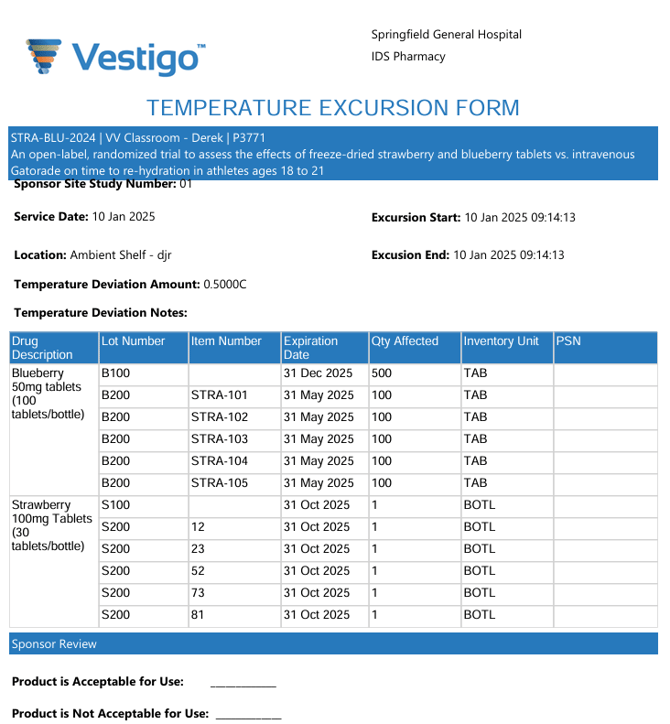
This report will look similar to the one that can be generated while recording the temperature excursion.
If there are no options in the dropdown menu, then one was not recorded for inventory on this protocol. It may have been manually adjusted out of inventory using the Temperature Excursion reason.