
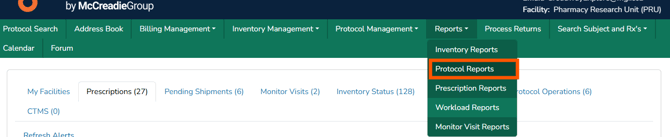
This article outlines Vestigo’s workload reports and the permissions required to generate them, giving teams a clear view of available reporting options and how facility-based access shapes the results. From time-based workload tracking and patient dispensing metrics to protocol workload grouped by status and group, these spreadsheet reports support accountability, data-driven insights, and real-time visibility across clinical trial operations.
Required Permissions
WorkloadReportsAccess - Ability to run Workload Reports at the global level.
Note - Users will need a role with the report permission per facility they should have access to in order to generate reports for that facility. If a user has a role with these permissions in less than all facilities at that client site, when they select “All Facilities”, the report will only include data for those facilities they have access to, not all facilities actually available within the client site.
| Report | Description | File Format |
| Workload with Time Values | For sites that do time-based workload, this report allows you to download the results for a given date range and facility. Sites must establish Vestigo Workload before this report can be used. To learn more about Vestigo Workload, please check out this article. |
Spreadsheet |
| Patients Treated | This report will capture dispensing metrics per patient: “treated” is defined as the number of dispenses per patient per protocol, per day. | Spreadsheet |
| Protocol Workload by Protocol Group | This report displays the count of each workload subcategories grouped by status and group | Spreadsheet |
Tip - Files that can be downloaded as a spreadsheet allow the user to apply site filters or sorting.