
Depending on the type of protocol, the protocol may not exist in the organization's CTMS or may not be built yet. In those cases, sites would build the protocol with an NCT number, Copy Protocol, or build it manually.
After protocol creation with Vestigo and the CTMS, sites can optionally choose to link the protocol to a CTMS protocol.
Caution - Prior to linking a protocol, confirm the Vestigo protocol and CTMS protocol are matches. If the wrong CTMS protocol is linked to a Vestigo Protocol, the interface will update all interface managed fields, and these updates will be visible in the audit trail.
- Navigate to the protocol
- Click on Edit Protocol
- Click on Add Protocol Identifier
- Select the CTMS Identifier from the Name drop down menu. The nomenclature will vary depending on the type of interface the site has.
- In the Identifier text box, enter the CTMS Protocol Number. This has to be an exact match to the CTMS Protocol Number.
- Click Save
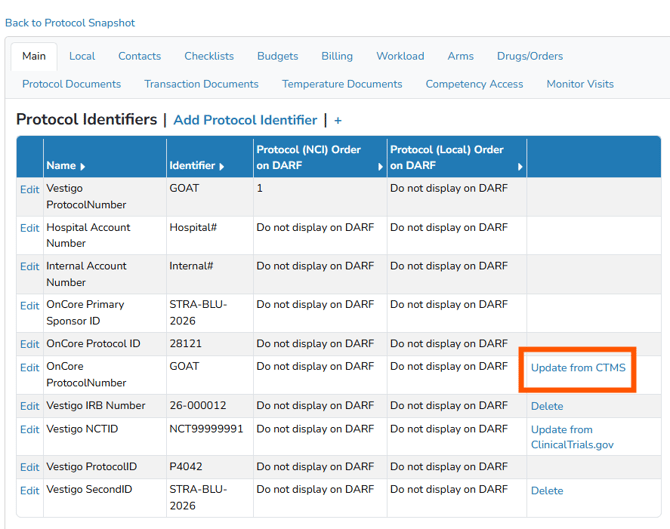
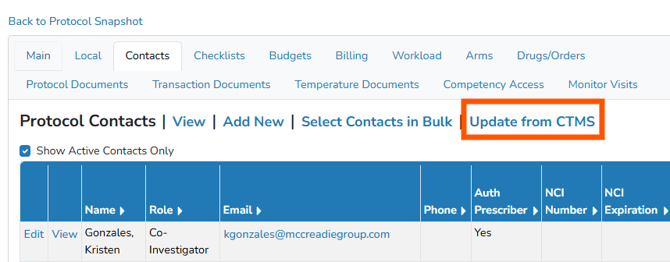
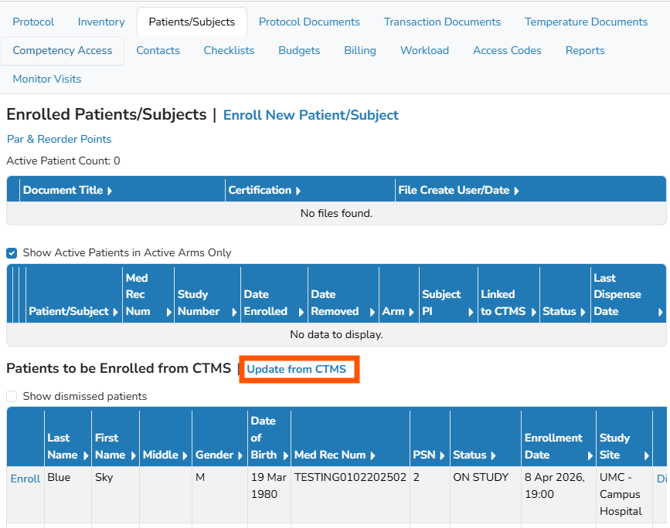
If a match is found, the identifier will be added to the identifier list. Users can optionally click on Update from CTMS on the following tabs:
-
Edit Protocol > Main Tab - This will update the information visible on the Main tab from the CTMS.
- Edit Protocol > Contacts - This will pull all available contacts that are mapped in the Vestigo environment.
- Patients/Subjects Tab - This will update or pull in all information relating to participants on this protocol.
If the user does not click on any "Update From CTMS", the interface will automatically update all information for this protocol at the next interval.