
Once a workflow has been created, it can be used on any protocol for any order.
Adding a Workflow to a Protocol Order
- Navigate to the protocl
- Click on Edit Protocol
- Click to the Drugs and Orders tab
- Locate the Order and click Edit
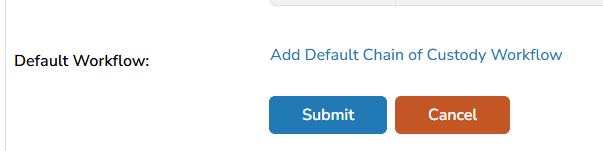
- Scroll down to the bottom of the Order build and locate the Default Workflow section
- Click Add Default Chain of Custody Workflow
- A window will open displaying all active workflows
- Locate the Workflow and click Assign (Note: only 1 workflow per Order build)
- Click Submit to save the Order
Removing a Workflow From a Protocol Order
Removing a workflow from a protocol order does not impact historical dispenses where the workflow was used.
- Navigate to the protocl
- Click on Edit Protocol
- Click to the Drugs and Orders tab
- Locate the Order and click Edit
- Scroll down to the bottom of the Order build and locate the Default Workflow section
- Click on Remove Default Chain of Custody Workflow
- Click Submit to save the Order