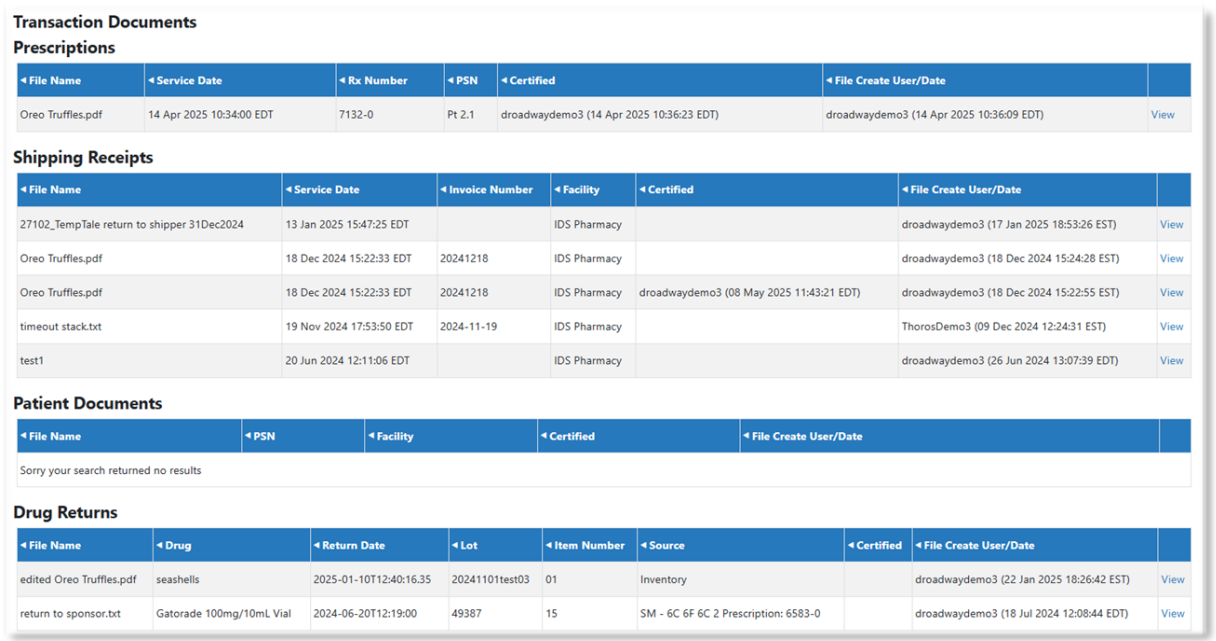
Documents can be attached to protocols by the IDS and can be made available to Protocol Specific Users/Monitors. There are four types of Documents that the Protocol Specific User can access:
- Protocol Documents – Information uploaded directly to the protocol
- Transactions Documents – Documents added to a unique transaction, such as shipping receipts
- Facility Documents – Facility specific documents added to the facility and available in all protocols
- Competency Documents – Any documents attached to a competency that was added to the protocol
Note - Each document must be marked as visible to the monitor to be visible to Protocol Specific Users.
To access the Documents section, click/hover over Documents and then select the type of documents for review.
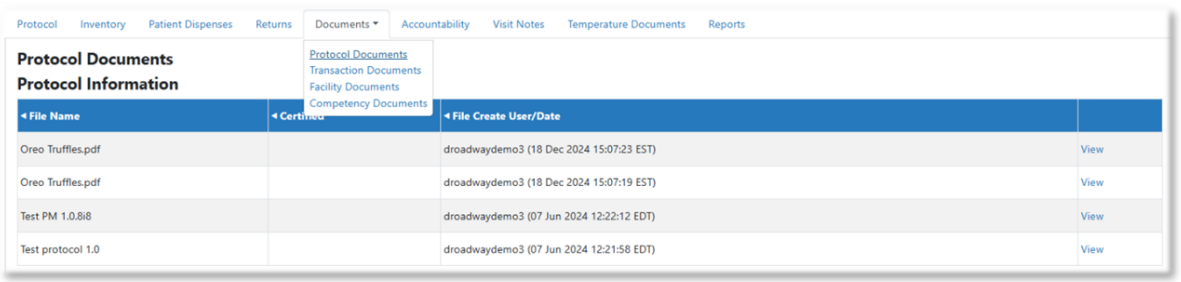
Documents can be sorted by selecting the arrows at the top of the columns. You can also click View to view the documents.
On the transaction tab, each document will display what transaction it was associated with.